You meet someone, they ask for your number, and you read it out while they type it in wrong. Or you hand over a paper card that ends up in a drawer. An NFC business card skips all of that: they tap your card on their phone, your page opens, and your details are saved. Here's how it works, and who it's for.
1. What is an NFC business card?
NFC stands for near-field communication. It's the same short-range technology you use when you pay with a contactless bank card or tap a transit card. It only works when two things are a few centimetres apart, which is why you "tap".
Inside an NFC business card there's a thin chip and a tiny antenna. The chip holds one thing: a link. With qtap, that link is your qtap page. When a phone comes close, it powers the chip for a moment, reads the link and offers to open it.
- No battery. The phone powers the chip during the tap, so there's nothing to charge.
- No app. iPhones and most Android phones read NFC out of the box.
- One link that you control. The card always opens the latest version of your page.
2. How the tap works
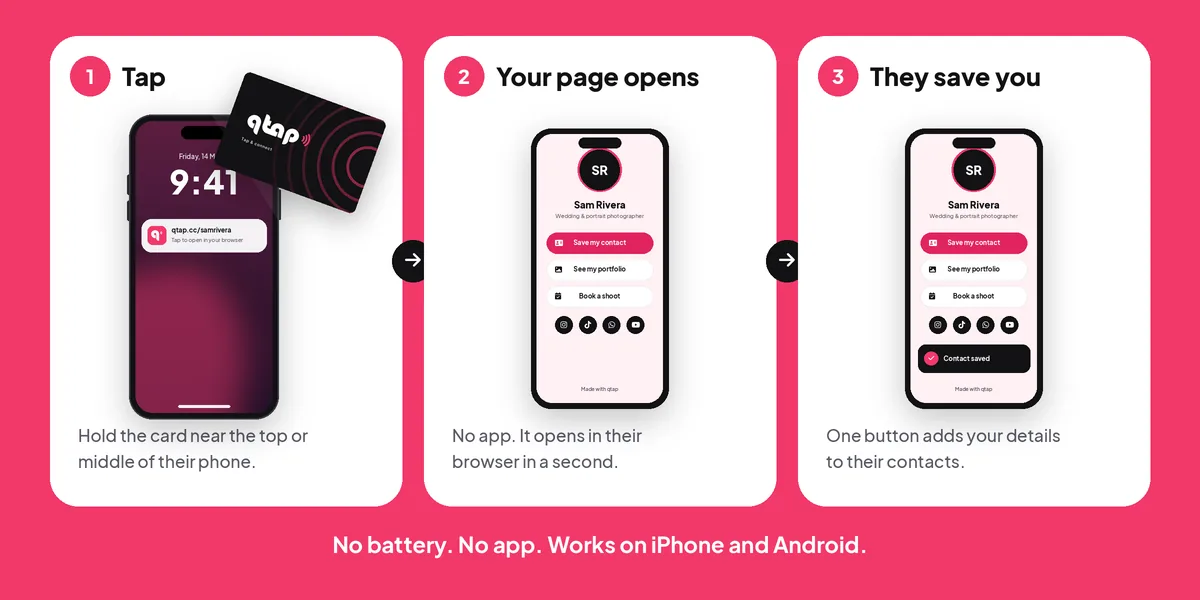
- On an iPhone, hold the card near the top back of the phone, close to the camera. The screen needs to be on.
- On an Android phone, hold it near the middle of the back. NFC is on by default on most phones. If nothing happens, switch it on in quick settings.
- A small notification appears with your link. They tap it and your page opens in their browser.
Some phones don't have NFC, and some people prefer to scan. That's why every qtap card also has a QR code on the back that opens the same page.
3. What the other person sees
The card opens your qtap page, so they see whatever you put there. Most people start with:
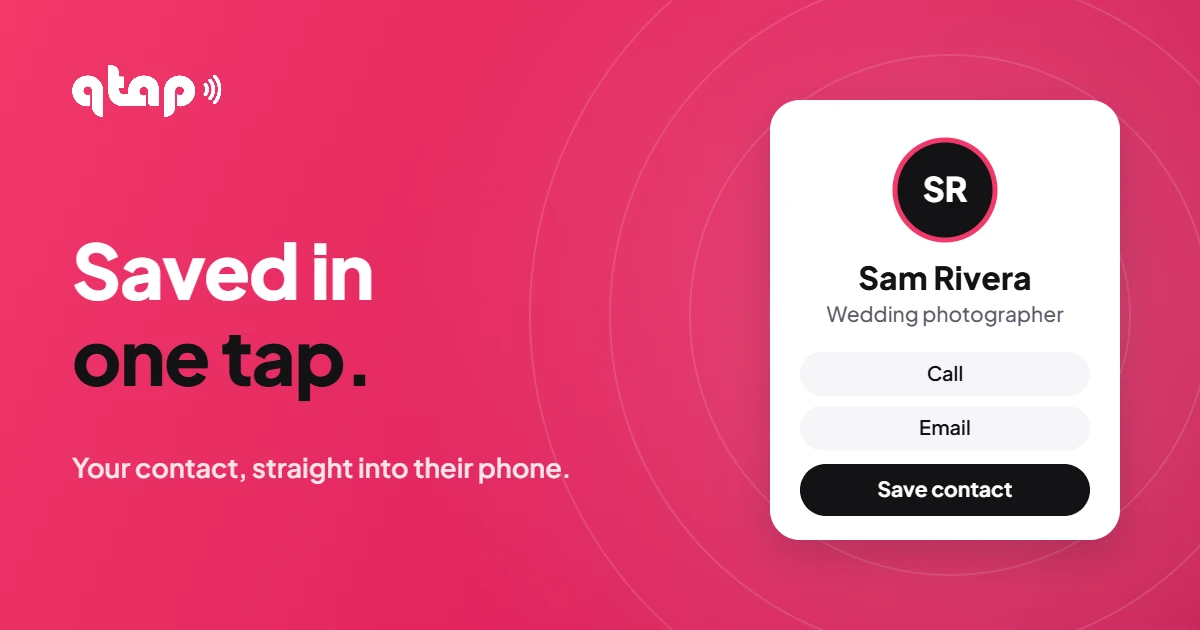
- A Save my contact button: your digital business card, saved to their contacts in one tap
- Your photo, name and what you do
- Links to your website, portfolio, menu or booking page
- Your socials and WhatsApp
You edit the page from your qtap account whenever you like. New job, new number, new offer: change it once and every card you've already handed out opens the new version.
4. Why it beats a paper card
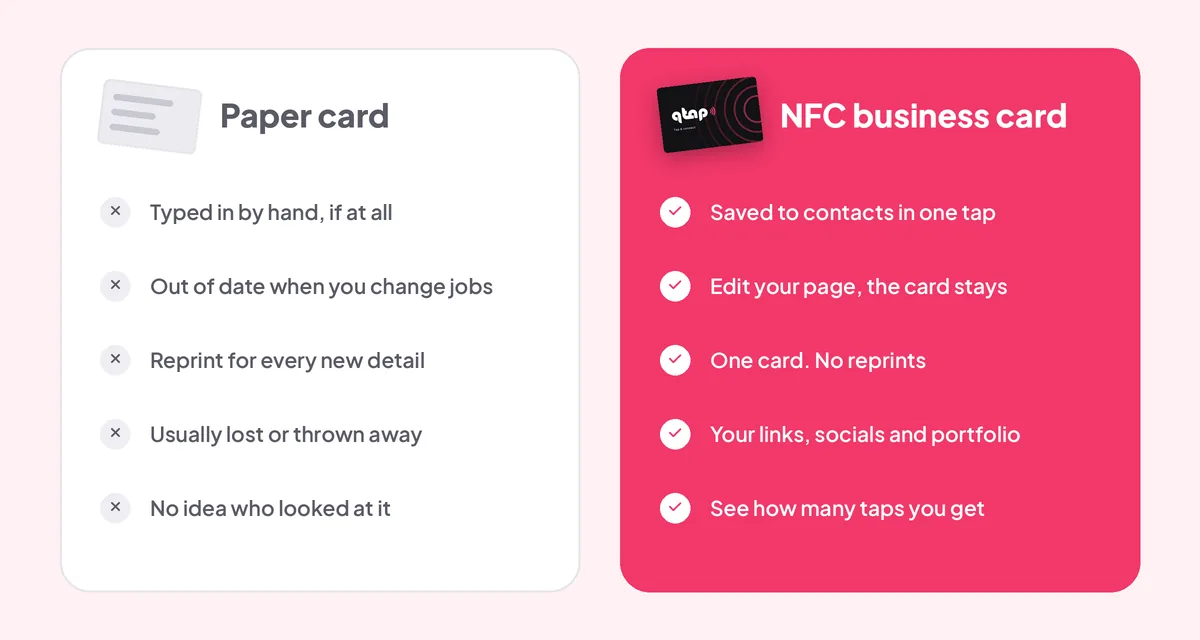
Paper cards still look nice, but they do one job: hold text that someone has to type in by hand. An NFC business card does more, and it doesn't go out of date.
- Your details actually get saved. One tap on "Save my contact" beats hoping they'll type your email correctly later.
- No reprints. Change your phone number or job title on your page, and the card in their pocket is still right.
- More than a name and number. Your portfolio, booking link, reviews and socials are one tap away.
- You keep your card. Tap it, then put it back in your wallet. One card covers meeting after meeting.
- You see what's working. qtap shows how many people opened your page, so you know if all that networking is paying off.
5. Who it's for: individuals
If you meet people in person and want them to remember you, an NFC business card earns its place in your wallet. A few examples:
- FreelancersPortfolio, rates page and contact details in one tap.
- PhotographersShow your latest work right there, then take the booking.
- RealtorsCurrent listings and your number, saved before the viewing ends.
- CreatorsAll your channels on one page, instead of spelling out handles.
- Coaches and consultantsA booking link people can use while they're still talking to you.
- Salons and cafésMenu, prices, opening hours and reviews. Keep a card at the counter.
6. Who it's for: companies and teams
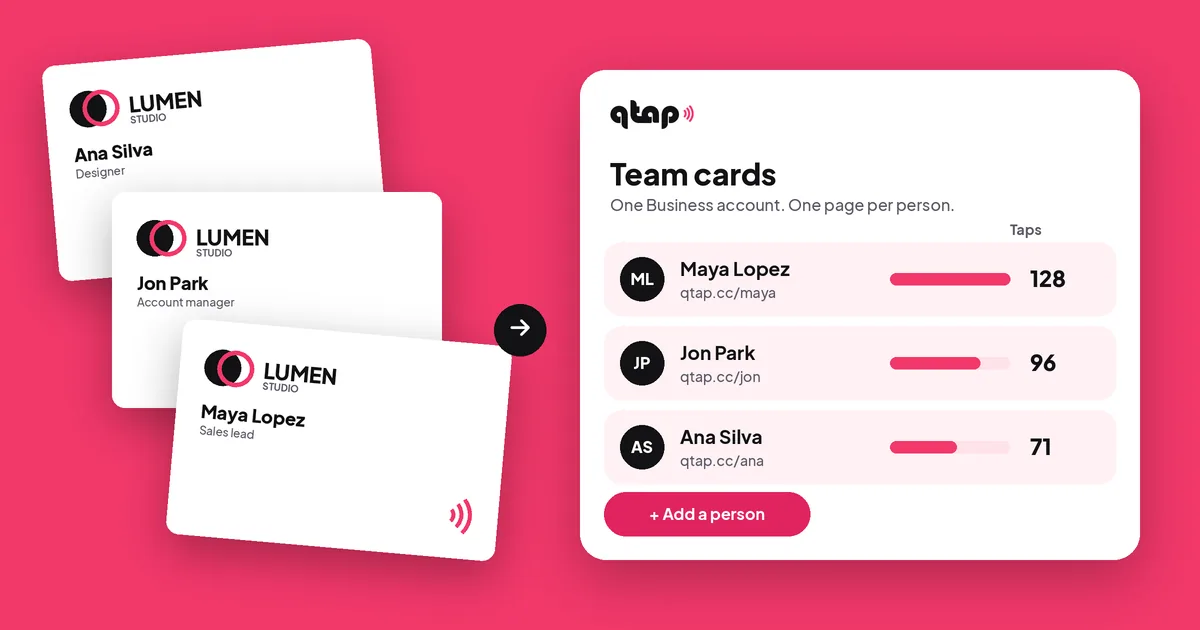
Ordering paper cards for a team means collecting details, waiting for proofs, then doing it all again every time someone changes role or leaves. With NFC business cards, each person gets a card with your company logo that opens their own page.
- Your company logo on every card
- A page and digital business card for each person
- Manage everyone from one qtap Business account
- See taps and page visits per person
- When someone gets a new title or number, update their page. Their card stays the same.
Ordering for four people or more? Get in touch and we'll sort out team pricing, your logo and help setting up each page.
7. Common questions
Does the other person need an app?
No. iPhones and most Android phones read NFC without any app. Phones without NFC can scan the QR code on the back of the card.
Is it safe? Can the card read their phone?
No. The chip only holds a link and can't read anything from the phone. Nothing opens until the other person chooses to tap the notification, and your page only shows what you decide to put on it.
Does it need charging?
No. There's no battery. The phone powers the chip for the split second of the tap.
What happens if I change jobs or my details?
Update your qtap page and the card opens the new version straight away. If you change your qtap username, contact us and we'll point your card to the new link.
Do I need a paid qtap plan?
No. The card works with any qtap account, including the Free plan. Paid plans add more pages, blocks, your own domain and longer statistics if you want them.
Can I choose the design?
Yes. There are ready-made designs like Marble, Ink and Pink, or you can put your own logo on the card. Every card has a QR code on the back.
Your details, one tap away
See the card designs, how ordering works and options for teams.
See the qtap NFC business cardYour link. Your page. Your tap.