QR codes are everywhere: on posters, packaging, shop windows, event badges, business cards, receipts. Most of them have one big weakness: once they're printed, they can never change. Here's what a QR code really is, and why the kind you can update matters.
What is a QR code?
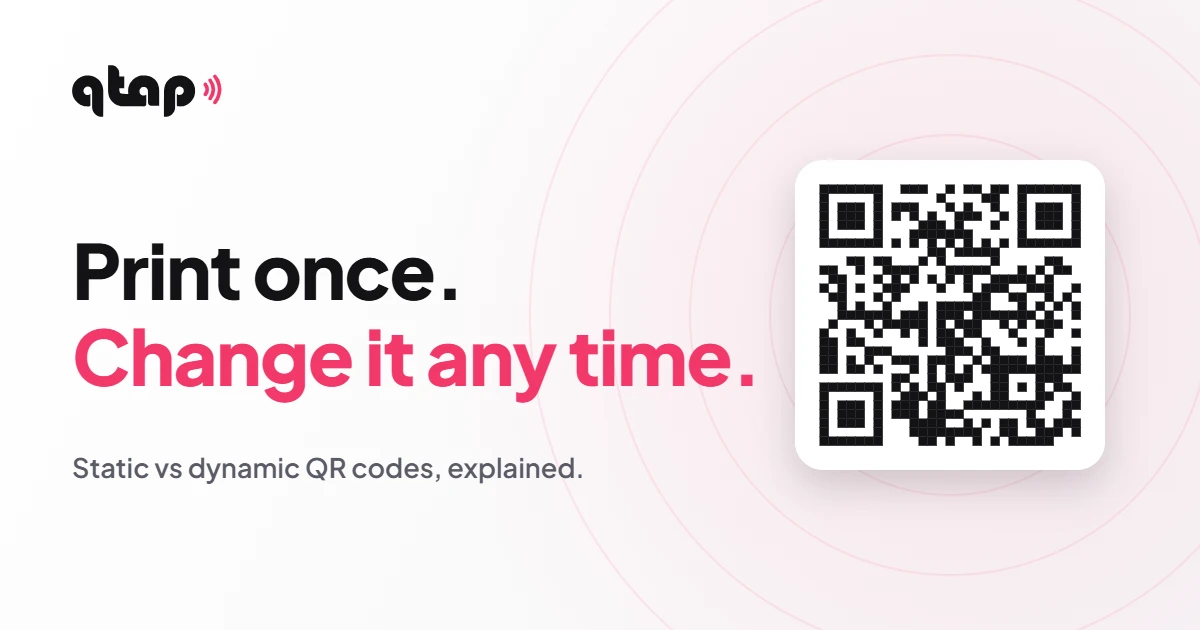
A QR code is a square pattern that holds a small piece of information, usually a web link. Point a phone camera at it and the phone offers to open that link. No app needed on almost any phone made in the last few years.
The code itself is just a picture of the link. That's the important part, because it means the code is only as good as the link inside it.
Static vs dynamic QR codes
- The final link is baked into the pattern
- Can never be changed
- Wrong link or old offer? Reprint everything
- No idea how many people used it
- Holds a short link that points onward
- Change where it goes any time
- The printed code keeps working
- The short link counts its clicks
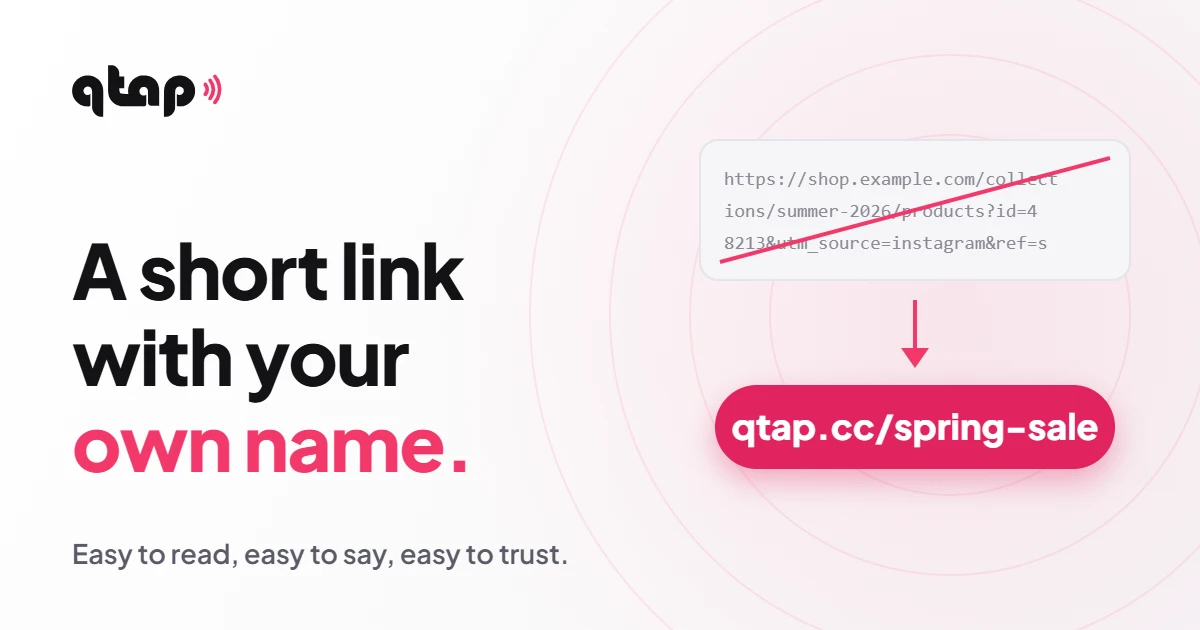
A dynamic QR code doesn't contain your final page. It contains a short link, like qtap.cc/spring-sale, and that short link sends people on. Change where the short link goes, and every printed code follows, whether it's on one flyer or ten thousand boxes.
What people use QR codes for
- MarketingPosters, flyers and ads that open a landing page or an offer.
- PackagingInstructions, ingredients, warranty or a reorder page.
- EventsSchedules, tickets, slides and sign-up forms.
- Business cardsYour page or contact, saved in one scan.
- Shops and countersReviews, WhatsApp, loyalty or payment links.
- Property and signsA listing, a video tour or a call button.
The best uses all share one thing: the code sits somewhere physical, and the information behind it changes. That's exactly what a dynamic code is for.
What makes a QR code that people actually scan
- Tell people what they get. "Scan for the full price list" gets more scans than a bare code.
- Strong contrast. A dark code on a light background. Light-on-dark and low-contrast colours fail on many phones.
- Big enough. At least 2 × 2 cm on a card, bigger on posters people see from a distance.
- Leave a margin. Keep empty space around the code so cameras can find its edges.
- Send people somewhere made for phones. A tiny desktop website on a phone screen wastes the scan.
- Test before you print. Scan it with two or three different phones.
Common questions
Do QR codes expire?
The pattern itself never expires. What can stop working is the link inside it. With a dynamic code you control that link, so you can keep it alive or point it somewhere new.
Do people need an app to scan?
No. The camera on iPhones and most Android phones reads QR codes on its own.
Can I see how many people used my code?
Yes, when the code holds a short link: the short link counts every click, so you can see which poster or package worked.
Can I make one for free?
Yes. The Free plan includes a QR code, so you can try it before you print anything.
Print once. Change it any time.
Make a QR code in your colours that keeps working after it's printed.
See qtap QR codes See how it worksYour link. Your page. Your tap.