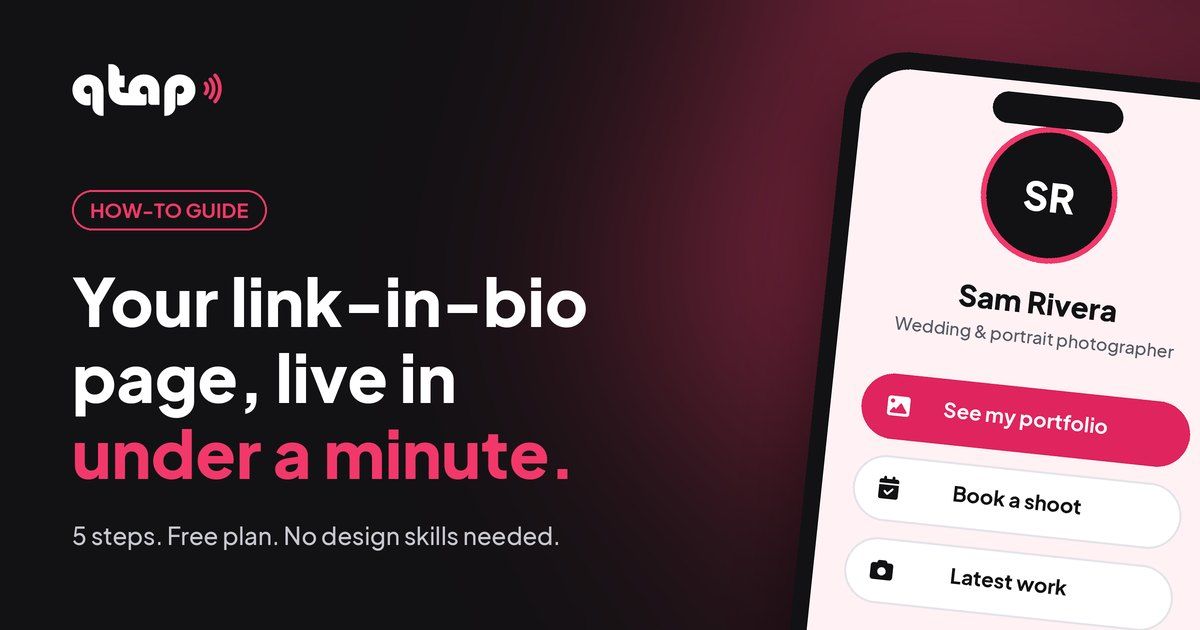
Your Instagram, TikTok or WhatsApp bio only gets one link. Make it the one that opens everything else: your shop, your booking page, your socials, your latest work.
What you need
- An email addressTo sign up. No card needed.
- A photoYour face or your logo, square works best.
- 3 to 5 linksThe places you want people to go.
1. Claim your link
Go to qtap.cc, sign up and pick your name. That name becomes your link: qtap.cc/yourname. Use the name people already know you by, the same as your Instagram or TikTok handle if you can.
2. Pick a template or start blank
In your dashboard, create a new bio page. You can start from a ready-made template or from a blank page. A template gives you a finished layout to fill in; blank gives you full control. Either way you can change everything later.
3. Add your photo, name and one-line bio
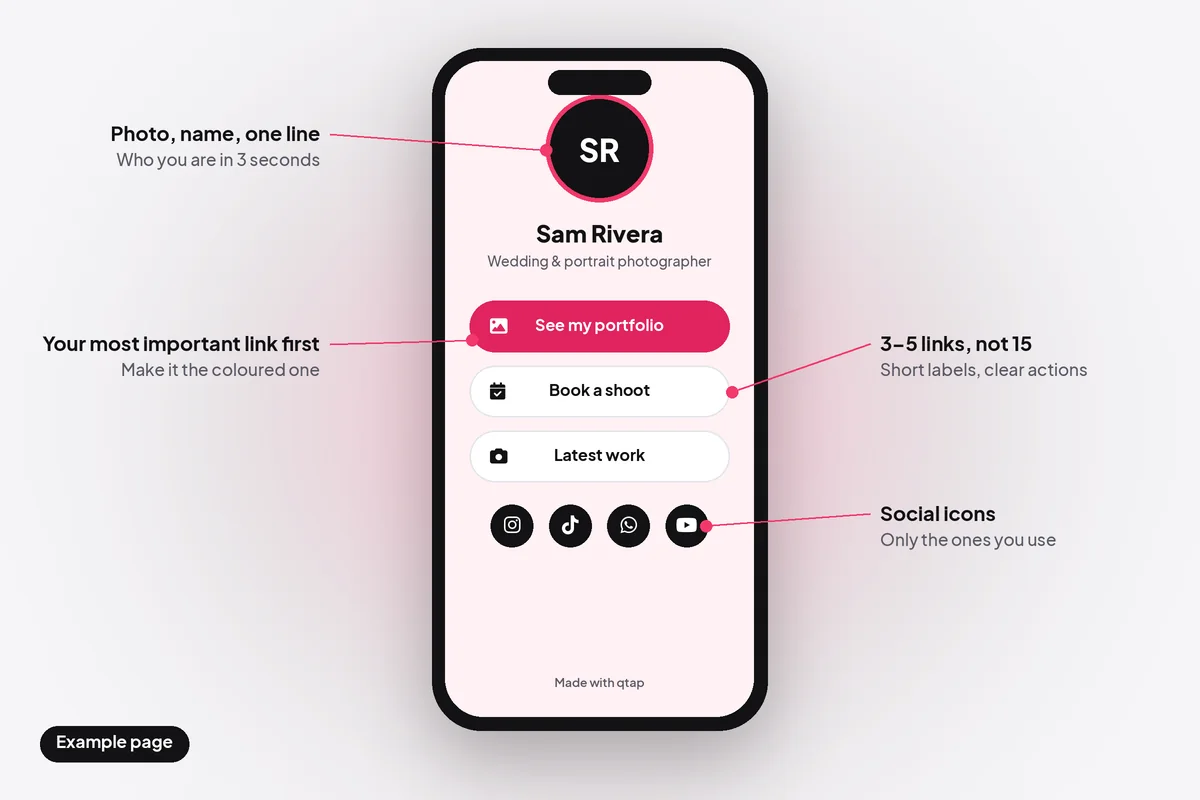
Add an Avatar block with your photo, then a Heading with your name and a Paragraph with one short line about what you do. Visitors decide in a few seconds whether they're in the right place, so say it plainly: "Wedding and portrait photographer", "Handmade candles, shipped across Malaysia", "Personal trainer, online and in person".
4. Add your links and social icons
Add a Link block for each place you want people to go, and one Socials block for your profiles. In the Socials block you only type your username; qtap adds the rest of the address and shows only the icons you fill in.
- Put your most important link first and give it a different colour, so it's the one people tap.
- Write labels as actions: "Book a shoot", "Shop the new collection", "Watch the latest video". Not "Click here" or "Link 2".
- Keep it to 3 to 5 links. Fifteen buttons make people scroll and leave.
5. Copy your link and put it in your bio
Copy your qtap link and paste it into the website or link field of your profiles:
- Instagram: Edit profile, then Links, then add your qtap link.
- TikTok: Edit profile, then the Website field (TikTok shows it once your account is eligible for a bio link).
- WhatsApp Business: add it as your website in the business profile.
- Everywhere else: your email signature, YouTube channel, X profile, Google Business profile.
Then tap the link yourself on your phone to check that everything opens the right place.
Keep it working
- Update it when things change. New product, new booking link, new video: change the button on your qtap page, and every profile that links to it is up to date at once.
- Check what gets tapped. Your page statistics show which links people use, so you can move the popular one to the top.
- Keep the same link. You can rename your page later, but then you need to update every profile and printed QR code that uses the old one.
Questions
Is it really free?
Yes. The free plan includes one bio page, with no card needed and no time limit. Paid plans add more pages, more design options and your own domain. See qtap.cc/pricing.
Do visitors need an app?
No. Your page opens in any phone or computer browser.
Can I change my page after it's live?
Any time. Edits show up on your live page straight away, and the link stays the same.
Can I use one page for Instagram, TikTok and WhatsApp?
Yes, that's the point of it. One link, pasted in every bio.
Make your page now
Free plan, no card needed. You'll be live before your coffee cools.
Create my qtap pageYour link. Your page. Your tap.