Upload your website. It's live.
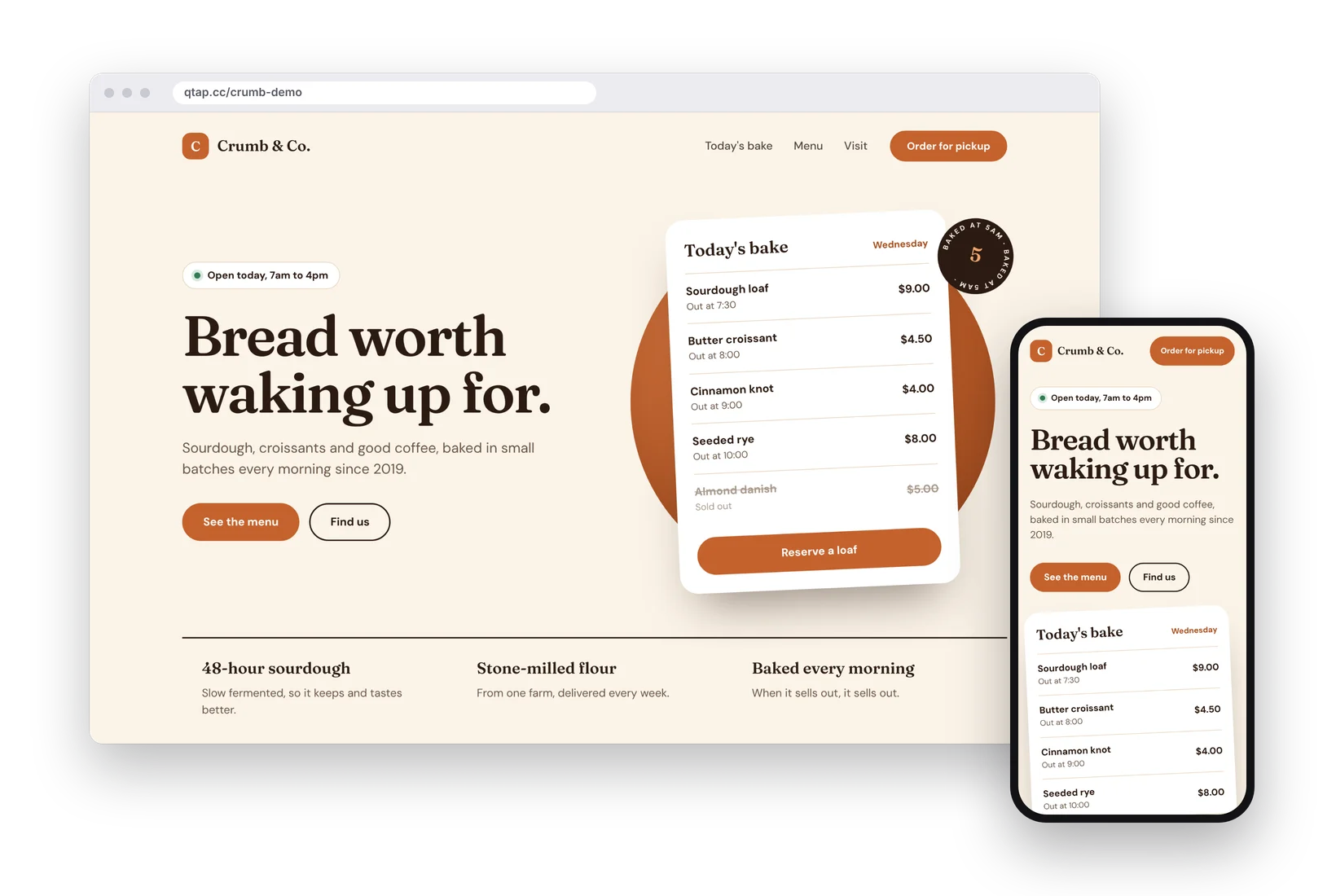
Have a finished site as an HTML file or a ZIP? Upload it to qtap and share it at qtap.cc/your-name. No hosting to buy, no server to set up.
Websites come with the Pro and Business plans.
How it works
Upload. Name it. Share it.
Your site stays exactly as you made it. qtap only hosts it.
- Upload your fileOne .html file, or a .zip with an index.html inside. Up to 10 MB.
- Choose the addressPick the name after qtap.cc/, or leave it empty and qtap makes one for you.
- Share the linkSend it, print it as a QR code or put it on your bio page. Replace the file any time and the address stays the same.
You stay in control
Lock it, schedule it, switch it off.
Every website has its own settings page, the same one you already use for links.
- Protect it with a password
- Set dates when it works, a limit on visits, or an end date that sends visitors elsewhere
- Block search engines from listing it
- Make a QR code for it in one click
- See visits, countries and devices, and get a monthly report by email
- Add your tracking pixels
Who it's for
Anyone with a finished site and no hosting.
qtap doesn't build the site. You bring the files, made in any tool that exports HTML.
Small businesses
A one-page site for your shop, café or salon, at an address you can say out loud.
Portfolios
Designers, photographers and writers: your work on its own page, linked from your bio page.
Events and launches
A page for a date. Set when it opens and closes, then send visitors somewhere else afterwards.
Client previews
Show a design to a client behind a password, and switch it off when the project is done.
Campaign pages
Put a QR code on a poster or flyer and send people to a page made for that campaign.
Menus and price lists
Upload an HTML page or a PDF inside a ZIP, and replace it whenever the prices change.
Plans
Websites start on Pro.
Free
No websitesBio pages, short links and 1 QR code to start with.
Pro
1 websiteOne site live on your qtap address.
Business
10 websitesTen sites, plus 1 custom domain of your own.
Questions
Good to know
What can I upload?
One .html file, or a .zip with an index.html at the top level. Inside a ZIP you can use CSS, JavaScript, images, fonts, audio, video and PDFs. The upload can be up to 10 MB.
Do I need to know how to code?
You need a finished website. Any tool that exports HTML works. qtap hosts it, it doesn't design it.
Why are my images or styles missing?
Inside the ZIP, link your files with relative paths, for example ./css/styles.css. Links that start with a slash point to the wrong place.
Can I update my site later?
Yes. Upload a new file on the site's settings page. The address stays the same.
Can I use my own domain?
The Business plan includes 1 custom domain. Contact us and we'll help you connect it.
Does it run PHP, WordPress or a database?
No. These are static sites: pages, styles, scripts and media. Anything that needs a server or a database won't run.
Put your website online today.
No hosting, no server.
Create your account See pricing →