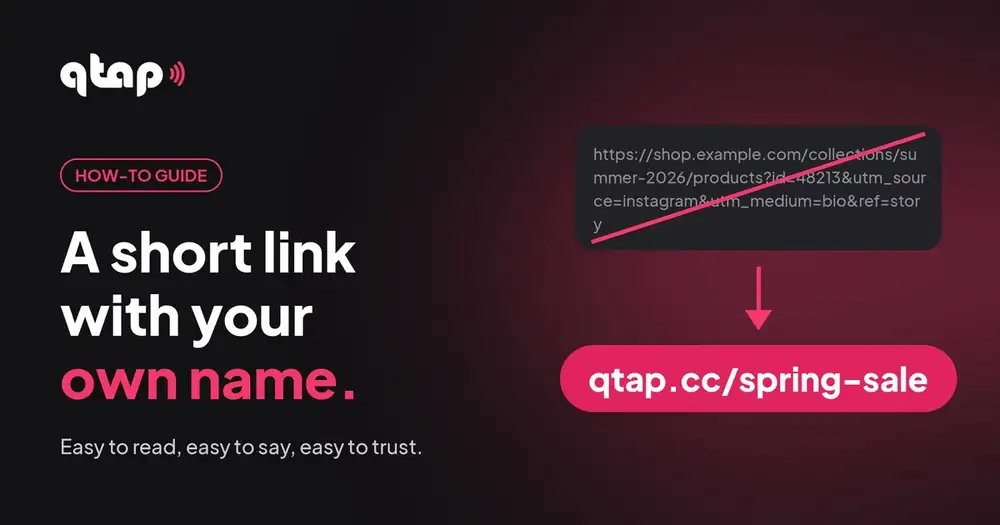
A link like qtap.cc/spring-sale is easy to read, easy to say and easy to trust. The long one it replaces is none of those. Here's how to make one in qtap, with an ending you choose.
Why use a short link?
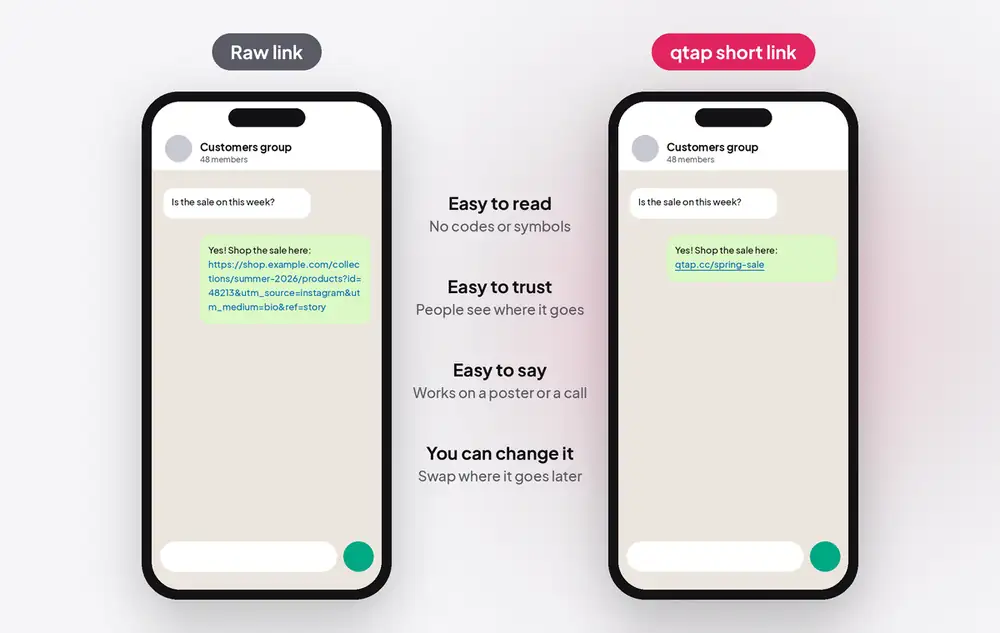
- People trust links they can read. A long string of letters and symbols looks like spam. qtap.cc/spring-sale tells people where they're going.
- It fits anywhere. Captions, chats, slides, flyers, a sign at your counter. You can even say it out loud.
- You can change where it goes later. The short link stays the same, so anything you've already shared or printed keeps working.
- You see the clicks. Each short link counts its clicks, so you know which post or flyer worked.
1. Open Links, then Create link
Log in at qtap.cc, open Links in your dashboard and choose Create link. A page called Create a new link opens.
2. Paste your long link
In Destination URL, paste the full address of the page you want people to land on: a product, a booking page, a form, a YouTube video, a menu. Copy it straight from your browser's address bar so nothing is missing.
3. Type your own ending
In Short URL, type the part that comes after qtap.cc/. If you leave it empty, qtap makes a random one, which works but nobody remembers.
- Say what it is: spring-sale, book-a-call, menu, new-video.
- Keep it short: one to three words, at least 5 characters.
- Use lowercase letters, numbers and hyphens, no spaces. Lowercase is easier to type on a phone.
- Skip dates unless the link is only for one event: "menu" outlives "menu-october".
If the ending you want is already taken, add something of yours to it: samrivera-sale instead of sale.
4. Create it and copy it
Leave Link is active switched on and click Create. Your short link is saved under Links, ready to copy. Tap it once on your phone to check it opens the right page.
The other sections on the page, like Targeting, UTM Parameters and Protection, are optional. You don't need them for a normal short link.
5. Share it anywhere
Paste it wherever you'd have used the long link:
- Chats: WhatsApp, Telegram, Messenger replies to customers.
- Social posts: captions, stories, comments, YouTube descriptions.
- Email: newsletters and your signature.
- Print: flyers, posters, packaging. Short links are easy to type from paper, and you can turn one into a QR code too.
After you share it
- Check the clicks. Open the link in your dashboard to see its statistics: how many clicks, from which countries and devices.
- Change where it goes. Edit the link and paste a new Destination URL. Everyone who uses the short link now lands on the new page, including people scanning a QR code you already printed.
- One link per place. To compare an Instagram post with a flyer, give each its own short link and see which gets more clicks.
Questions
Is it free?
Yes. The free plan includes short links with your own ending, no card needed. Paid plans add more links, longer statistics and your own domain. See qtap.cc/pricing.
Can I change the ending after I've shared it?
You can, but the old link stops working. Change where the link goes instead, and keep the ending the same.
Do short links expire?
No. Your short link keeps working for as long as it's in your account and switched on.
Can I use my own domain instead of qtap.cc?
Yes, on paid plans you can connect a domain you own, like links.yourbrand.com.
Make your first short link
Free plan, no card needed. It takes less time than reading this.
Create my short linkYour link. Your page. Your tap.
Want one page for all your links instead? Read how to create your link-in-bio page in under a minute.