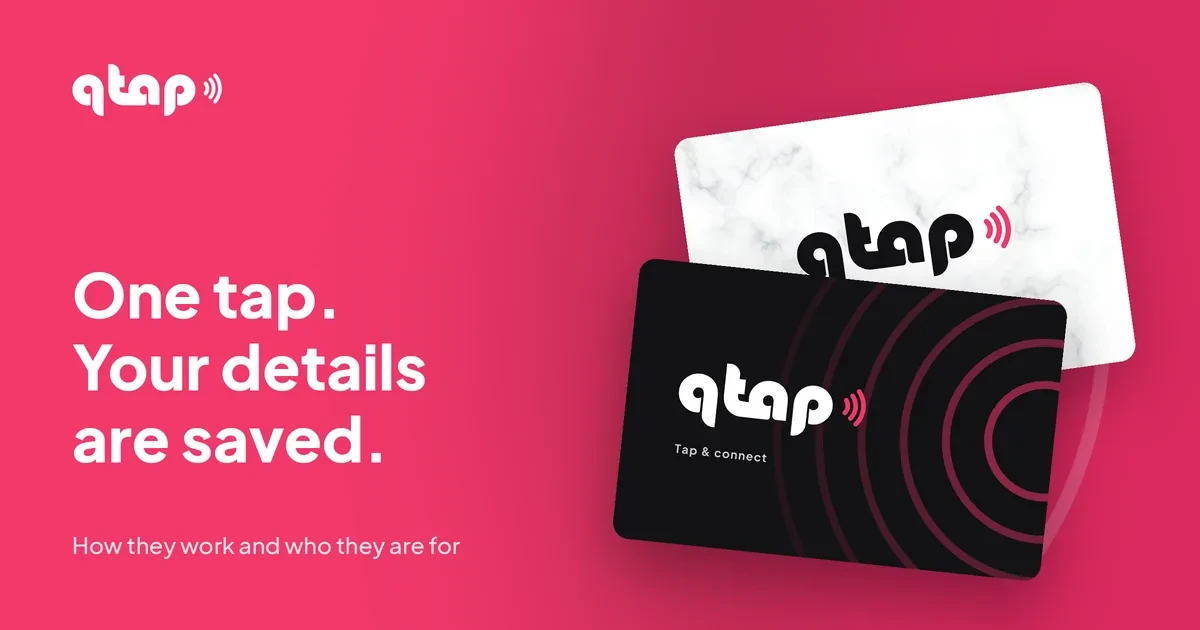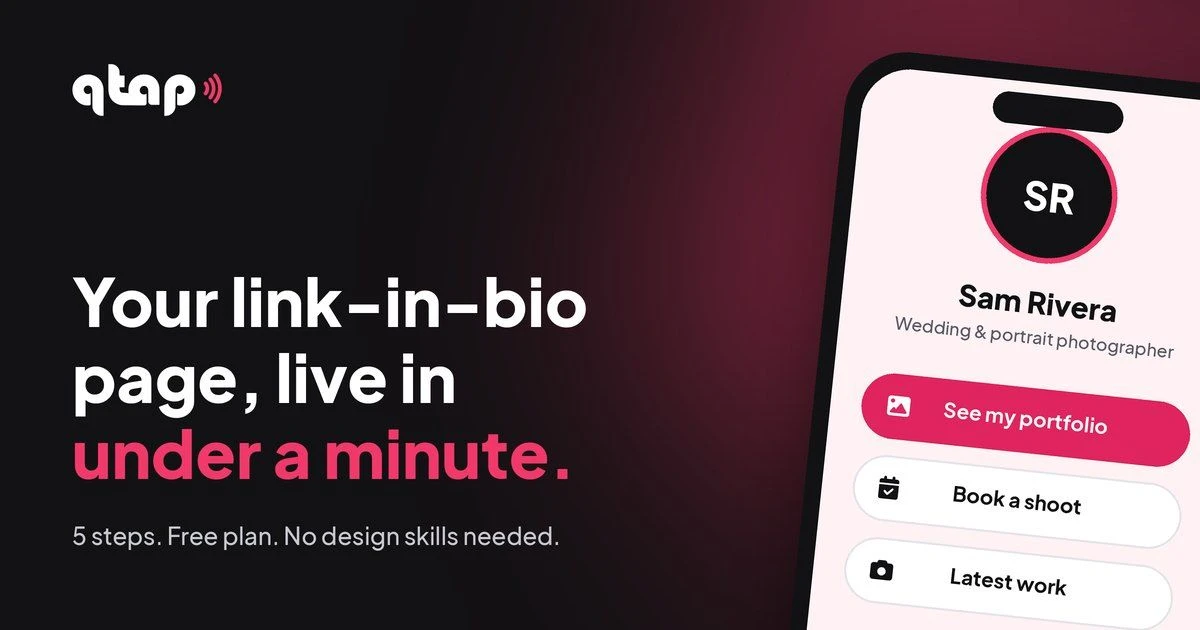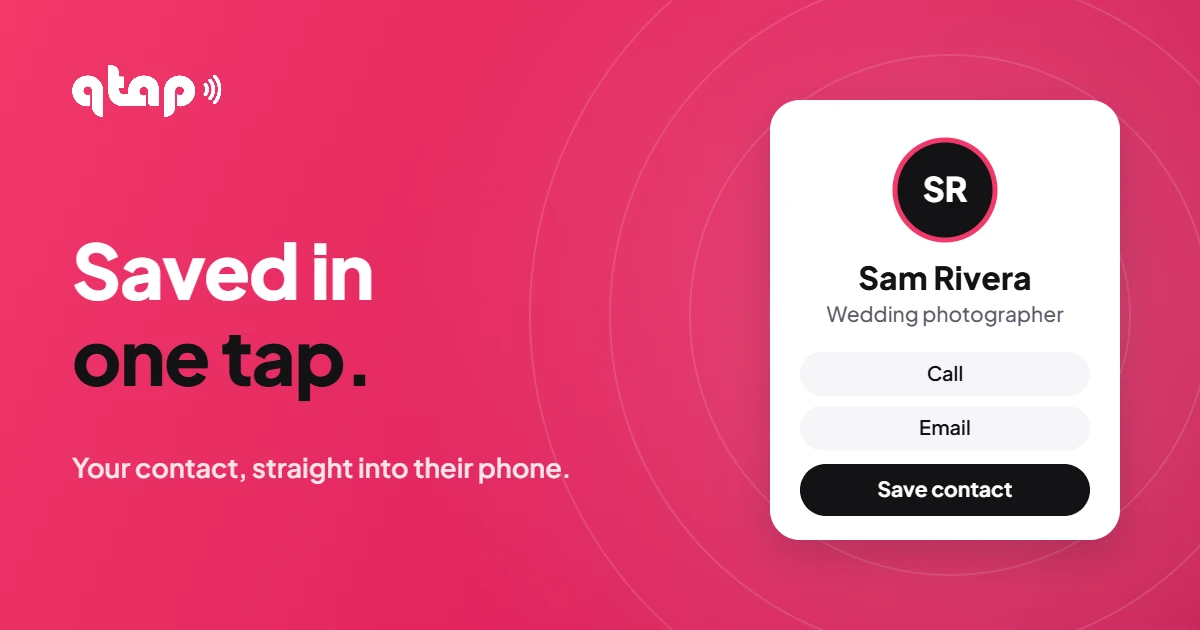
Someone asks for your number. You read it out, they type it in, and half the time it's saved wrong or under "John conference". A digital business card fixes that: one tap and your name, number, email and photo land in their contacts, spelled right.
What is a digital business card?
It's your contact details in the format every phone understands (a vCard, a small .vcf file). When someone opens it, their phone offers to add you as a new contact, with your name, numbers, email, company, job title, website and photo already filled in.
Paper card vs digital business card
- Typed in by hand, often wrong
- Out of date when you change jobs
- Ends up in a drawer
- Reprint every time something changes
- Saved in one tap, no typos
- Update it any time
- Lives in their phone's contacts
- Your photo comes with it
Why it matters more than it looks
- Saved means remembered. A contact with your photo and job title is easy to find next month. A scrap of paper isn't.
- They can search for you. Your company and job title make you show up when they search "designer" or "insurance" in their contacts.
- It works everywhere you are. In person, on your page, in your email signature, behind a QR code or an NFC tap.
- No back and forth. Nobody has to spell an email address or repeat a number twice.
Who gets the most out of it
- Sales and agentsProperty, insurance, cars: every lead saved on the spot.
- FreelancersClients keep your number with your photo and title.
- Event regularsFifty new contacts, zero typing.
- Small business ownersCustomers save the shop, not just a number.
- TeamsEveryone shares the same clean, up-to-date details.
- Job seekersRecruiters save you before the chat ends.
What to put on yours
- Your number with the country code (like +60), so it works for people abroad.
- A clear, square photo of your face or logo. It becomes your contact photo on their phone.
- Company and job title, so they can search for you later.
- Your website or page, so everything else is one tap from your contact.
- Nothing private. Skip your birthday and home address unless you really want strangers to have them.
Common questions
Is it free?
Yes. The Save my contact button works on the Free plan, and some free templates already include it.
Does the other person need an app?
No. iPhones and Android phones open contact files on their own.
Does it work on iPhone and Android?
Yes. On iPhone the contact opens as a preview to save. On Android the file downloads and opens in Contacts.
How do people get it from me?
From your bio link, your email signature, a QR code, or by tapping your NFC business card on their phone.
Get saved, not forgotten
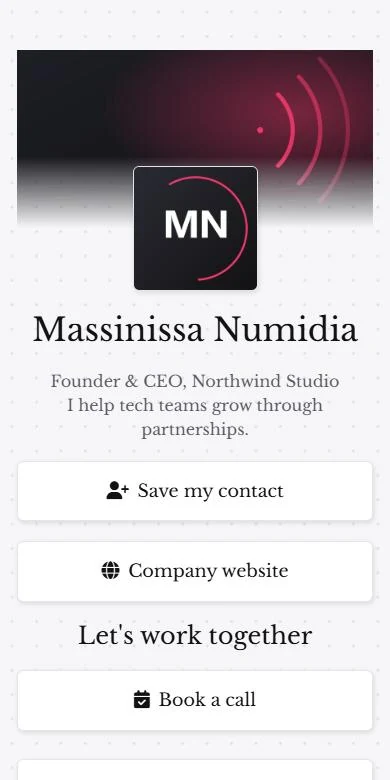
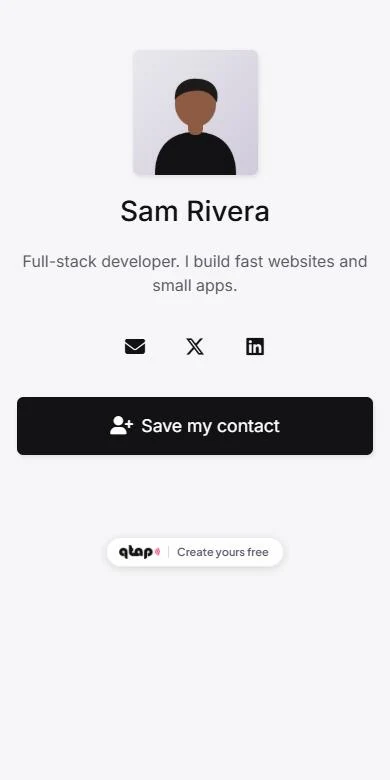
Add a Save my contact button to your free qtap page.
Start free See how it worksYour link. Your page. Your tap.