Paid plans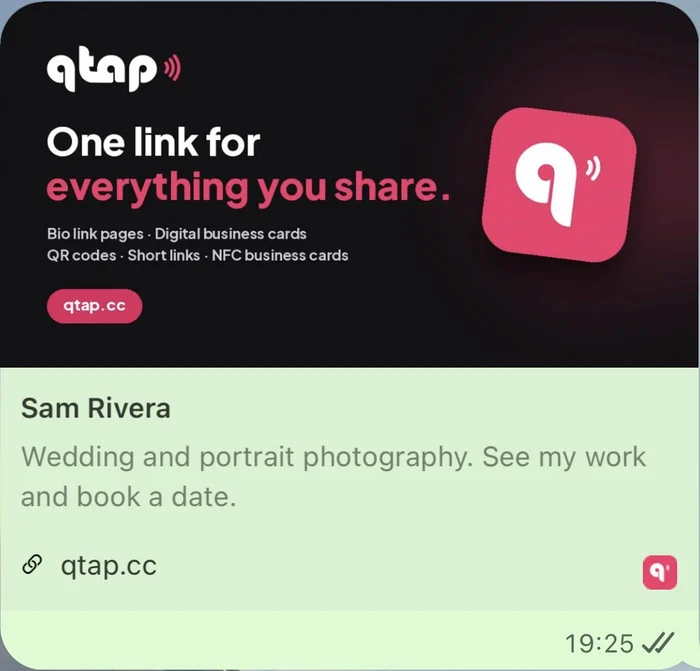
Choose what people see when your page shows up in Google, or when someone shares your link in WhatsApp, Facebook or LinkedIn.
Set your title, description and image
- Click Bio pages in the left menu, open your page and click Seo in the Settings tab.
- Page title: your name or business, like Sam Rivera.
- Meta description: one or two lines about what you do.
- Opengraph image: the picture shown when your link is shared.
- Click Update.
What people see
Here's the same page shared in WhatsApp: your image on top, then your page title and description.
Use an image of 1200 × 630 px and keep the important part in the middle. Apps crop the edges differently.
Changed your image or title? Apps like WhatsApp and Facebook remember a link's preview for a while, so the new one can take some time to show up.
Don't want your page in Google at all? Switch on Block search engine indexing in the same section and click Update.